No independent benchmark measures Spanish-to-English accuracy across Caribbean, Andean and peninsular accents, so this ranking is about capture, turn-taking and cost rather than proven accuracy.

How we compared
Start with the caveat, because it shapes everything below: no public, independent benchmark measures Spanish-to-English accuracy across accents, so nobody can honestly rank these tools by how well they translate. What this comparison does rank is the stuff vendors actually document — how a device captures speech, how it handles turn-taking, what it costs, and where the published record goes silent.
Spoken Spanish breaks translators in ways typed Spanish never does. A dropped final -s in Caribbean speech, two cousins talking over each other, slang like *chido* or *guay* — the microphone has to survive all of that before any model gets a turn.
Six axes drove every pick below:
- Capture and turn-taking — does one device handle both speakers, or do you pass a phone back and forth?
- Hands-free use — wearables versus hold-and-tap apps.
- Language coverage — published vendor counts only, never estimates.
- Cost in a comparable unit — per device, per month, or per minute of finished output.
- Offline behavior — what happens on a plane, in a basement bar, or on a rural road.
- Live versus recorded — a conversation tool and a dubbing tool solve different problems.
Methodology, stated plainly. This comparison is assembled from published vendor documentation and official newsroom posts: Apple’s newsroom, Google’s Translate blog, Timekettle’s product page, Pocketalk’s device page, and Microsoft’s publisher listing. Nothing was tested hands-on by our editors, and no vendor supplied review units.
What we could not verify matters just as much as what we could. There is no public, independent benchmark measuring Spanish-to-English word error rate across Rioplatense, Andean, Caribbean and peninsular accents, so no entry below claims measured accuracy. Battery life, noise rejection and latency inside a loud restaurant are also unverified, and — as the notes in each entry spell out — none of our sources document offline behavior for any of these tools.
| Tool | Form factor | Verified coverage or price | Comparable cost unit | Best for |
|---|---|---|---|---|
| Google Translate | Phone app | 110 new languages added, PaLM 2-powered (Google blog) | Not stated in our sources | Travel and street conversations |
| Apple Translate / Live Translation | iPhone | In Messages, FaceTime and Phone with iOS 26 (Apple) | Not stated in our sources | iPhone owners on calls and texts |
| Microsoft Translator | Phone app | Free app, 70+ languages (publisher listing) | $0 app download | Budget travel and quick checks |
| Timekettle W4 Pro | Earbuds | $449.00 regular price (Timekettle) | $449.00 one-time hardware | Hands-free meetings |
| Vasco Translator V4 | Handheld device | Not stated in our sources | Not stated in our sources | Unverified — no vendor data in our sources |
| Pocketalk S2 | Handheld device | 92+ languages, multiple engines (Pocketalk, company-wide claim) | Not stated in our sources | Shared use at a front desk |
1. Google Translate (Conversation mode)
Start here if your Spanish encounters are unplanned. You already have the app, the setup takes seconds, and the person across from you does not need to install anything.
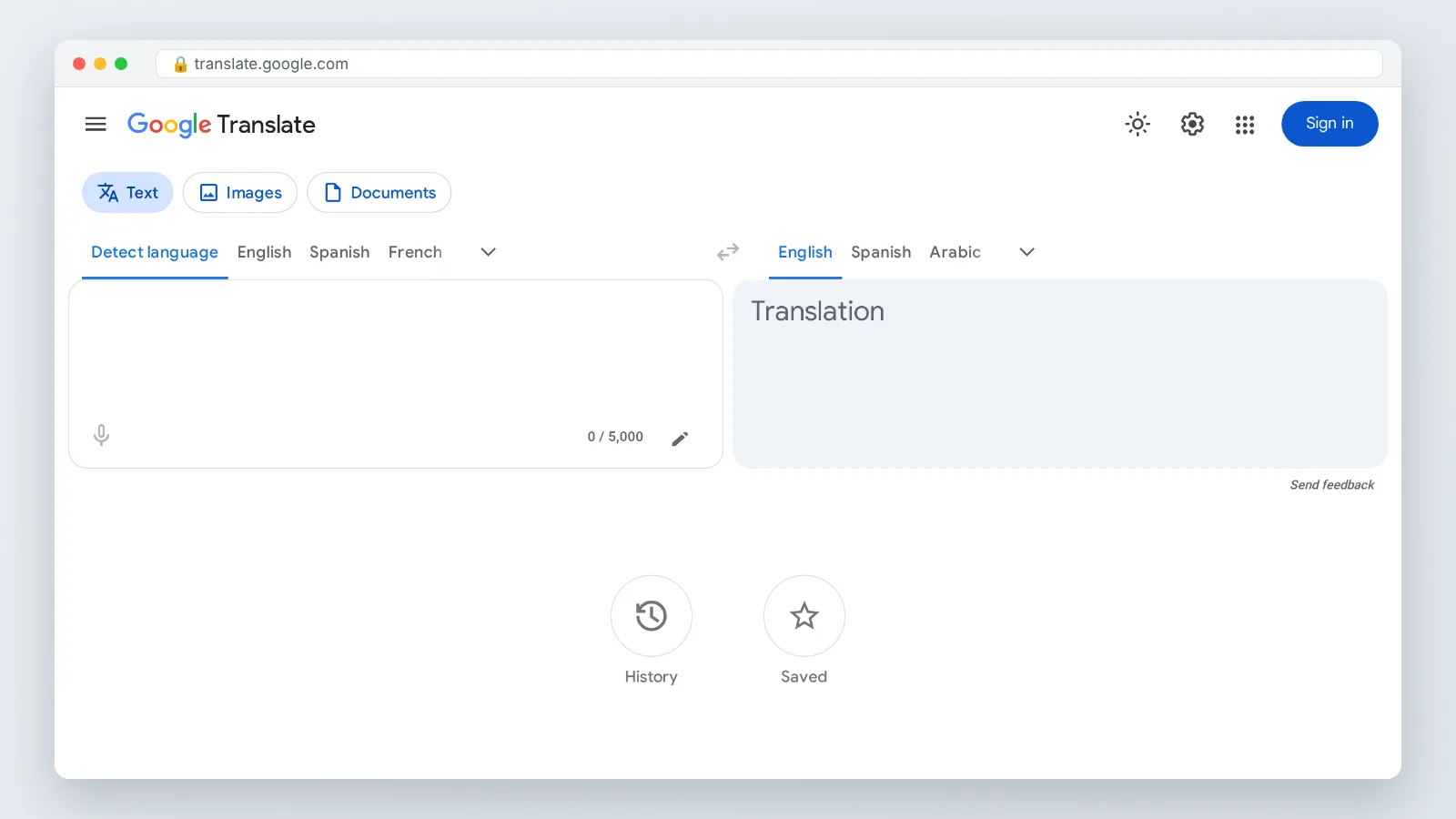
Google added 110 new languages to Google Translate in its largest-ever expansion, powered by the PaLM 2 large language model, according to Google’s Translate blog post published in June 2024. That scale matters less for Spanish, which has been supported for years, and more for what it signals about the underlying model work.
Use it well and it behaves. Set the phone flat between you, pick Spanish and English, and ask the other person to speak in short bursts rather than long paragraphs. Long, unbroken Spanish sentences are where phone-based translation loses pronouns and gender agreement. On offline behavior, the blog post we cite says nothing, so check in the app itself before you count on a basement bar or a rural road.
Who it fits: a traveler, student or volunteer who needs usable Spanish-to-English voice translation a few times a week with zero hardware.
Skip it if: you need both hands free during a job site walkthrough or a medical intake, or your workplace forbids routing conversations through a consumer cloud app.
2. Apple Translate and Live Translation
If your phone is an iPhone, the lowest-friction option may already be sitting in your pocket. Apple’s Live Translation is integrated into Messages, FaceTime and Phone and shipped to Apple Intelligence-enabled devices with iOS 26, according to Apple’s newsroom announcement published in September 2025, the day those features became available.
Read that scope carefully before you buy anything. Our source documents three surfaces and three only: Messages, FaceTime and Phone — the places where a Spanish-speaking relative or a contractor actually reaches you. A sidewalk conversation with a stranger is a different use case, and any other hardware or third-party app support is outside what that announcement covers. Offline behavior is not addressed there either, so confirm in Settings what your own iPhone does.
The practical win is phone calls. A Spanish-language call from a landlord or clinic is the exact moment a pass-the-phone app fails you, since you cannot hand your phone to the person on the other end.
Who it fits: iPhone owners whose Spanish contact happens over calls, FaceTime and texts with people they already know.
Skip it if: you run Android, your iPhone predates Apple Intelligence support, or you need translation in third-party apps and in person rather than on Apple’s own calling surfaces.
3. Microsoft Translator
Microsoft Translator is the sensible second app to keep installed, and the case for it is cost. Microsoft Translator is distributed as a free app covering more than 70 languages for text, voice and conversation translation, according to the publisher listing on the Amazon Appstore. That listing does not describe what works without a connection, so treat offline use as unverified.
Running two free apps is not redundancy for its own sake. When a Spanish phrase comes back as nonsense in one app — a regionalism, a clipped verb, a proper noun misheard as a verb — re-speaking it into a second engine is the fastest sanity check you have, and it costs you nothing but ten seconds.
Keep expectations grounded. Phone apps are built for cooperative speakers who pause; they are not built for a four-person family argument about a lease.
Who it fits: budget-conscious readers who want a free backup engine on the same phone as Google Translate, especially on Android and Windows.
Skip it if: you want a single polished daily driver rather than two apps, or your main need is hands-free interpreting during long meetings where tapping a phone every turn is impractical.
4. Timekettle W4 Pro AI Interpreter Earbuds
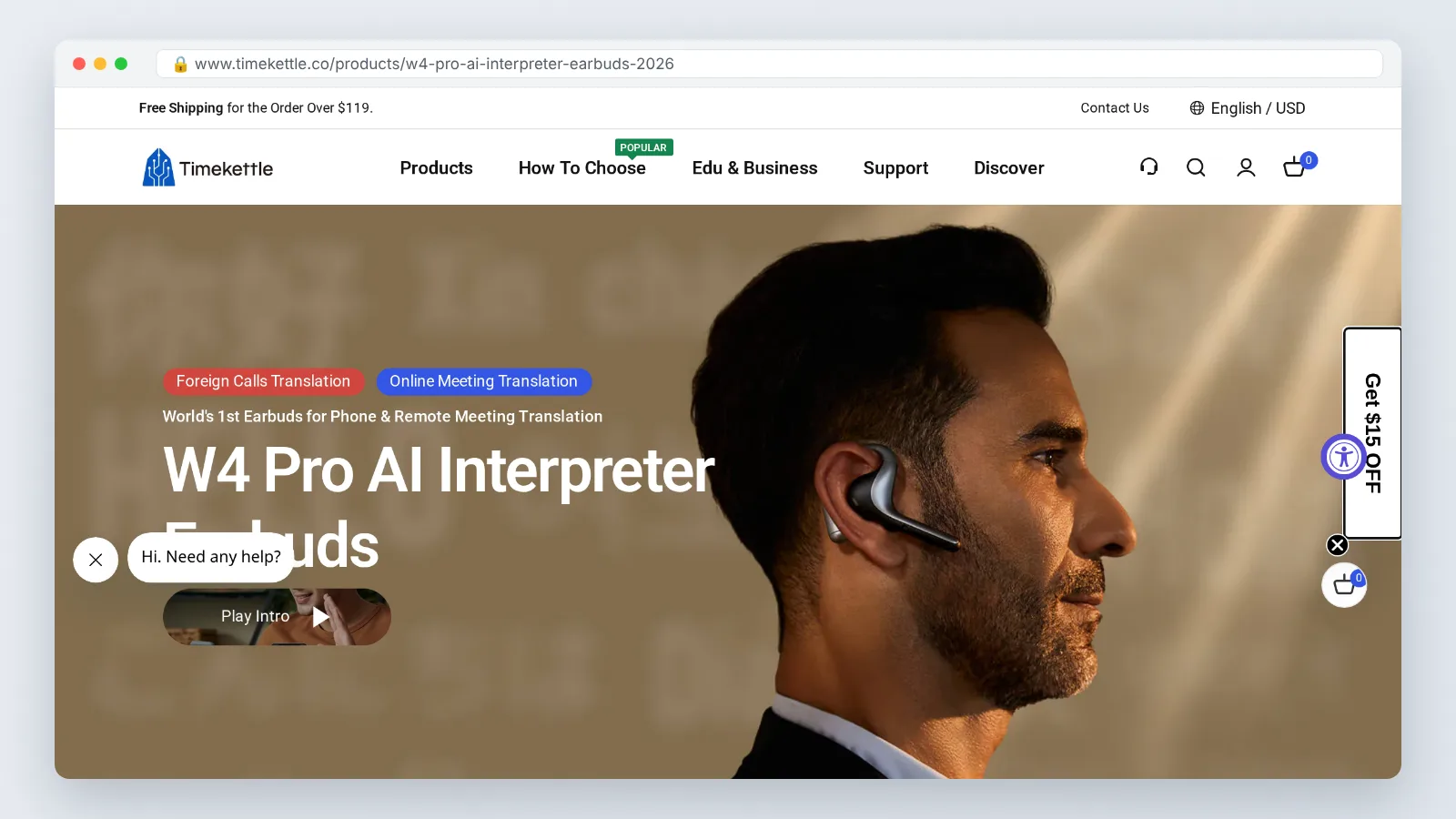
This is the category most people underestimate: you give one earbud to the Spanish speaker and keep one, and neither of you touches a screen. Timekettle lists the W4 Pro AI Interpreter Earbuds at a regular price of $449.00 USD on its own product page.
Convert that into a unit you can reason about. It is one-time hardware, so the real question is how many hours of Spanish conversation you expect over two or three years — a weekly client meeting makes the math look very different than a single two-week trip to Oaxaca.
Before you commit, confirm two things with the seller: the return window, and whether the features you want require an internet connection, since the product page we cite does not spell out offline behavior. Hygiene is the other quiet issue, since sharing an earbud with strangers is awkward in a way a handheld device is not.
Who it fits: managers, clinicians and site supervisors who hold recurring Spanish-language conversations and need both hands and both eyes free.
Skip it if: your Spanish contact is occasional, since $449.00 buys a lot of professional human interpreting minutes for rare, high-stakes appointments.
5. Vasco Translator V4
A dedicated handheld translator exists for one reason: some people should not be asked to open an app. A parent visiting from abroad, a retail counter shared by three shifts, a volunteer desk where phones get locked away — a single-purpose device removes the setup step entirely.
What we could not verify: our sources publish no specifications, pricing, language count or offline behavior for the Vasco Translator V4. For that reason it is not a pick here, and we are not placing it beside tools whose numbers we can cite. Treat any figure you see in an ad as a claim to check, not a fact.
Before you buy: ask the retailer directly about connectivity, whether data service is included or separate, what works with no signal, the warranty length, and the return policy. Get the answers in writing.
The honest trade-off with handhelds in general is turn-taking. One person speaks, taps, then hands the device over, which works fine for a front-desk exchange and poorly for a fast three-way conversation.
6. Pocketalk S2
Pocketalk’s pitch is engine diversity rather than a single model. Pocketalk says it does not use one engine, combining multiple translation engines to cover 92+ languages, including dialects and slang, according to its device page. Note that this is a company-wide statement about Pocketalk on its general device page, not a specification published for the S2 model specifically.
That approach is interesting for Spanish. Spanish is not one target — Dominican Spanish, Chilean Spanish and Mexican Spanish diverge sharply in slang and rhythm, and a system that can route a request to a stronger engine has at least a structural argument in its favor. The dialect and slang claim is the company’s own, and we found no independent test confirming it. The same page does not state what the hardware can do without connectivity.
The device format suits counters and clinics. It sits between two people, nobody loses a phone, and the interaction is visible to both parties, which some patients and customers prefer over watching a stranger talk into a handset.
Who it fits: front desks, pharmacies, schools and community organizations that need a shared translator many different staff members can use.
Skip it if: you need silent, continuous interpreting while someone talks for five minutes straight, which is earbud territory rather than handheld territory.
Which one fits you
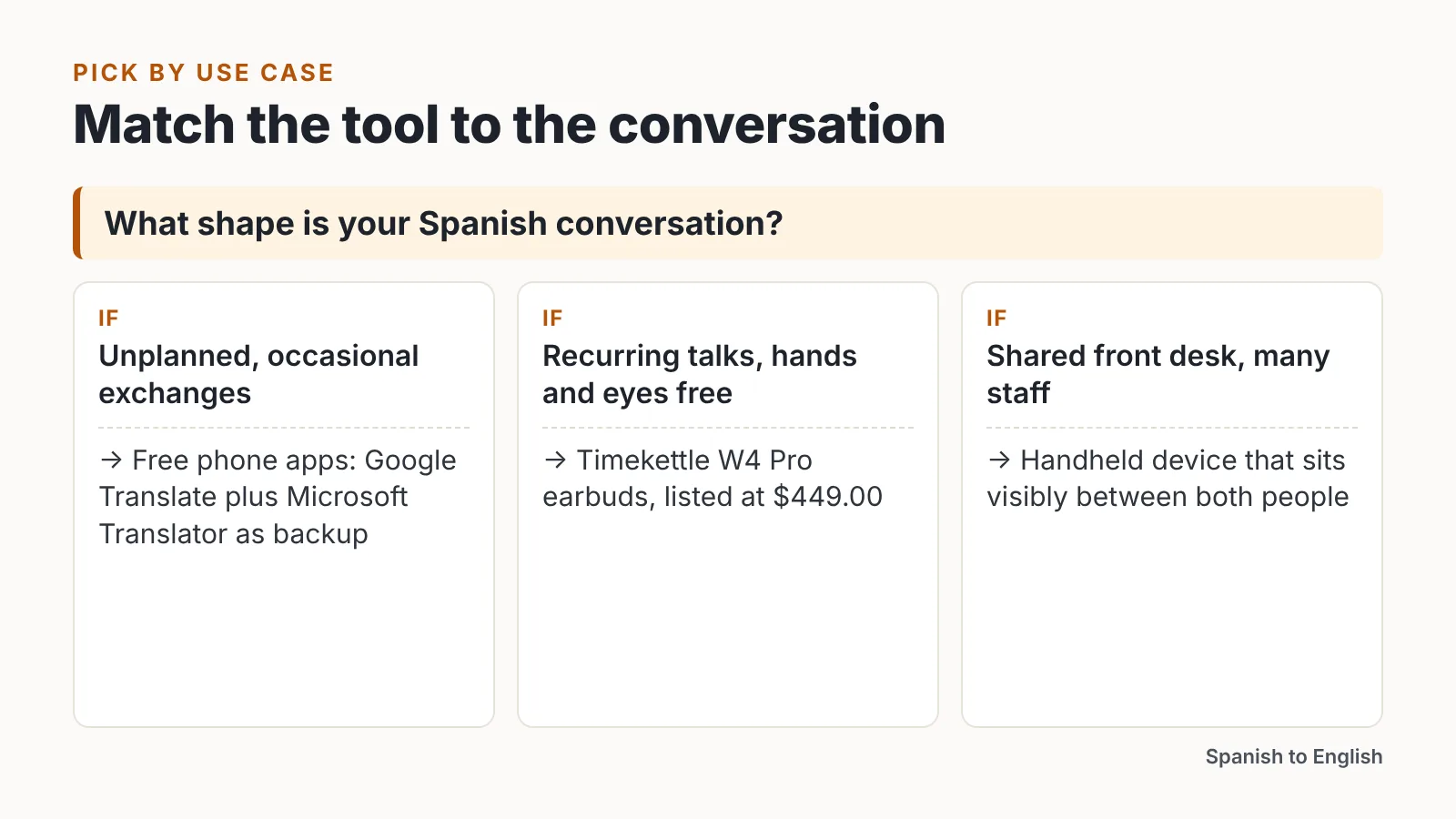
Match the tool to the shape of the conversation, not to the spec sheet. Short transactional exchanges, long meetings, phone calls and recorded media each reward a different device.
| Your situation | Pick |
|---|---|
| Occasional travel, no budget | Google Translate, with Microsoft Translator as a free second engine |
| Spanish calls and texts from people you know, on iPhone | Apple Live Translation |
| Recurring meetings where your hands are busy | Timekettle W4 Pro |
| A shared counter or family device anyone can use | Pocketalk S2 |
| Recorded Spanish video you need in English | A dubbing platform rather than a conversation app |
| High-stakes legal or medical appointments | A qualified human interpreter |
That last row is not a hedge. For a deposition, a diagnosis or a contract signing, a machine translation error has consequences no refund covers.
Recorded Spanish deserves separate tooling. If you are turning a Spanish webinar, interview or training video into English, that is dubbing and voiceover work rather than live back-and-forth, and cloud video platforms such as AI Studios sit in that category rather than in this conversation lineup. Compare those platforms on included output minutes, voice quality and language coverage, and be aware that subscription plans bundle several features at once, so no clean per-minute dubbing price is published in our sources.
One habit improves results on every tool here: ask the Spanish speaker to pause at clause boundaries. You will fix more translation errors with that single request than with any upgrade.
This article is general information, not legal, medical or financial advice.
Frequently asked questions
Which Spanish to English voice translator is most accurate?
No independent benchmark publicly measures Spanish-to-English accuracy across accents, so no honest ranking exists. Dedicated hardware like the Timekettle W4 Pro, listed at $449.00 by Timekettle, mainly buys better microphones and hands-free turn-taking rather than a proven accuracy edge.
Do I need a dedicated device, or is a phone app enough?
A free app covers most travel situations. Microsoft Translator is distributed as a free app covering more than 70 languages for text, voice and conversation translation, according to its Amazon Appstore publisher listing, which is plenty for ordering food, asking directions or confirming an address.
Does Apple’s Live Translation work during Spanish phone calls?
Apple’s newsroom post from September 2025 states that Live Translation is integrated into Messages, FaceTime and Phone and shipped to Apple Intelligence-enabled devices with iOS 26. Those three surfaces are the documented scope. Confirm your iPhone model supports Apple Intelligence before counting on it, since older devices are excluded.
Can these tools handle Spanish slang and regional dialects?
Pocketalk says it combines multiple translation engines to cover 92+ languages, including dialects and slang, per its general device page, which describes the brand rather than one model. Expect trouble anyway with rapid Caribbean speech, Argentine voseo and regional idioms; ask speakers to rephrase idioms in plainer Spanish when output looks wrong.
What should I use for recorded Spanish video instead of live speech?
Use a dubbing platform rather than a conversation app. Dubbing tools generate a translated voiceover for a finished video, which is a different workflow from interpreting a live conversation. Compare them on included output minutes, voice quality and supported languages; our sources do not publish a comparable per-minute dubbing price, since subscription plans bundle multiple features.
Sources
AI tools helped write this guide. The Spanish to English Editorial Team published it after checking every figure against the sources linked above.